

What is a Pipeline?
A pipeline is a structured workflow that organizes conversations and contacts into different stages, allowing you to visualize and manage the progress of each interaction clearly and organized. Each pipeline represents a specific business process, such as sales, customer support, onboarding, or any other flow your team needs to track.How Do Pipelines Work?
Each pipeline is composed of custom stages that represent the different phases of the process. For example, a sales pipeline may have stages like “Lead”, “Qualification”, “Proposal”, and “Closing”. Conversations and contacts can be moved between these stages as they progress through the process, creating a clear visualization of the work funnel.Benefits of Pipelines
- Clear Visualization: The kanban-style interface allows you to quickly see where each conversation is in the process
- Organization: Keeps all related conversations organized in one place
- Tracking: Facilitates identifying bottlenecks and improvement opportunities in processes
- Automation: Allows configuring automatic rules to move conversations between stages
- Metrics: Provides visibility into the performance of each process stage
Common Use Cases
- Sales Funnel: Track leads from first contact to closing
- Customer Support: Organize tickets by priority and resolution status
- Onboarding: Manage the new customer integration process
- Internal Processes: Organize any workflow involving multiple steps
Accessing the Pipelines Module
Access to the module is done through the platform’s main menu.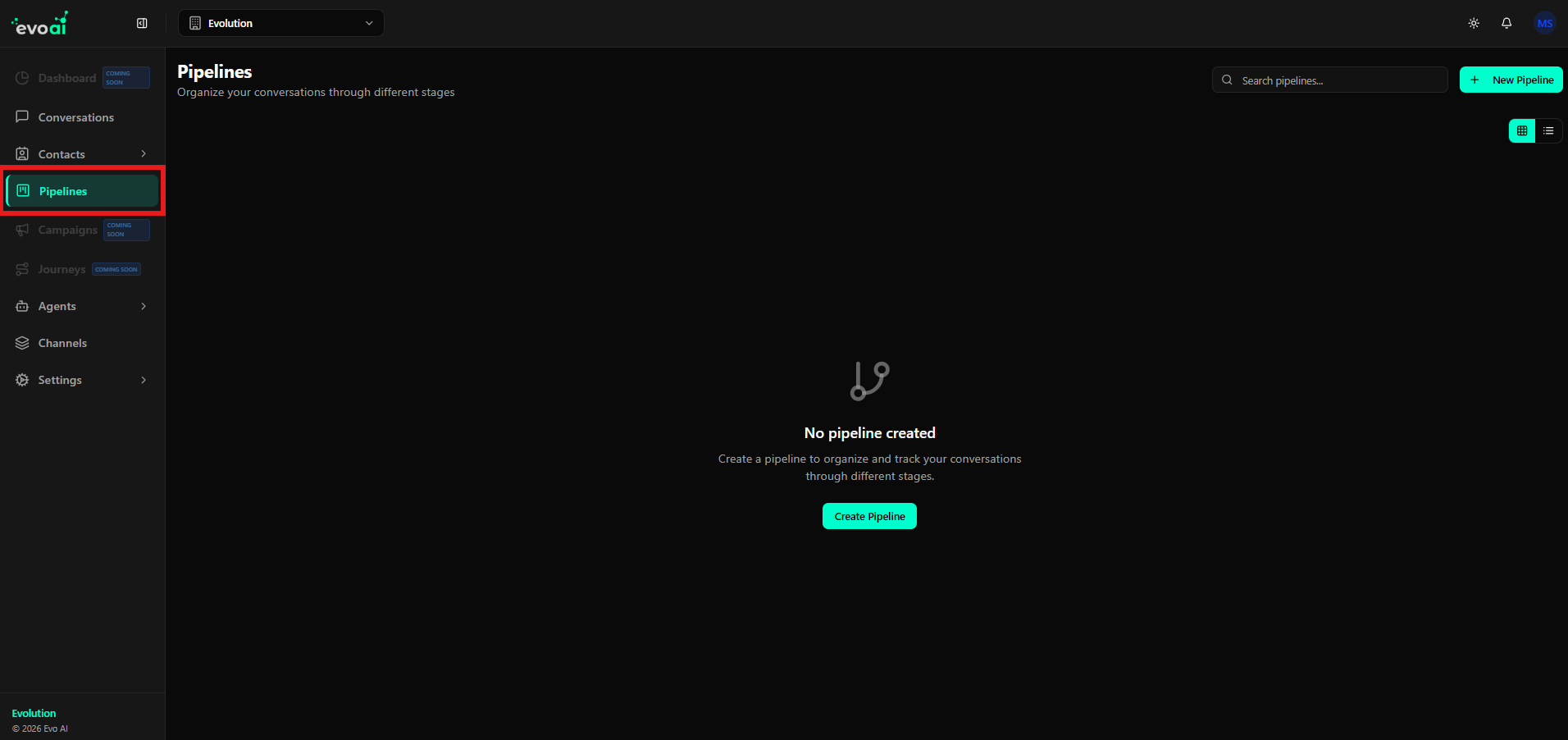
Pipeline List and Search
At the top of the screen, a search field is available, which allows locating pipelines by name.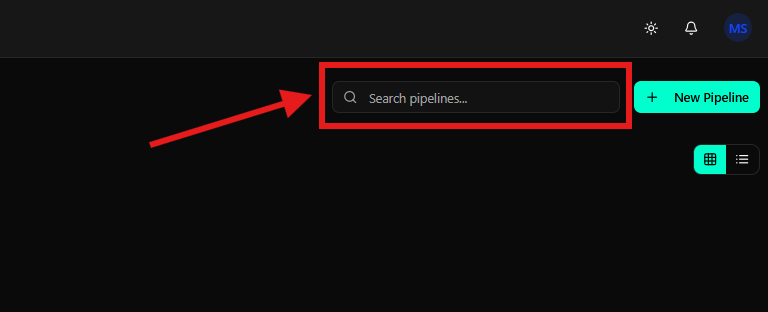
Creating a New Pipeline (Entry Point)
From the main screen, you can start creating a pipeline by clicking the New Pipeline button, highlighted in the upper right corner, or the central button displayed when no pipelines have been created.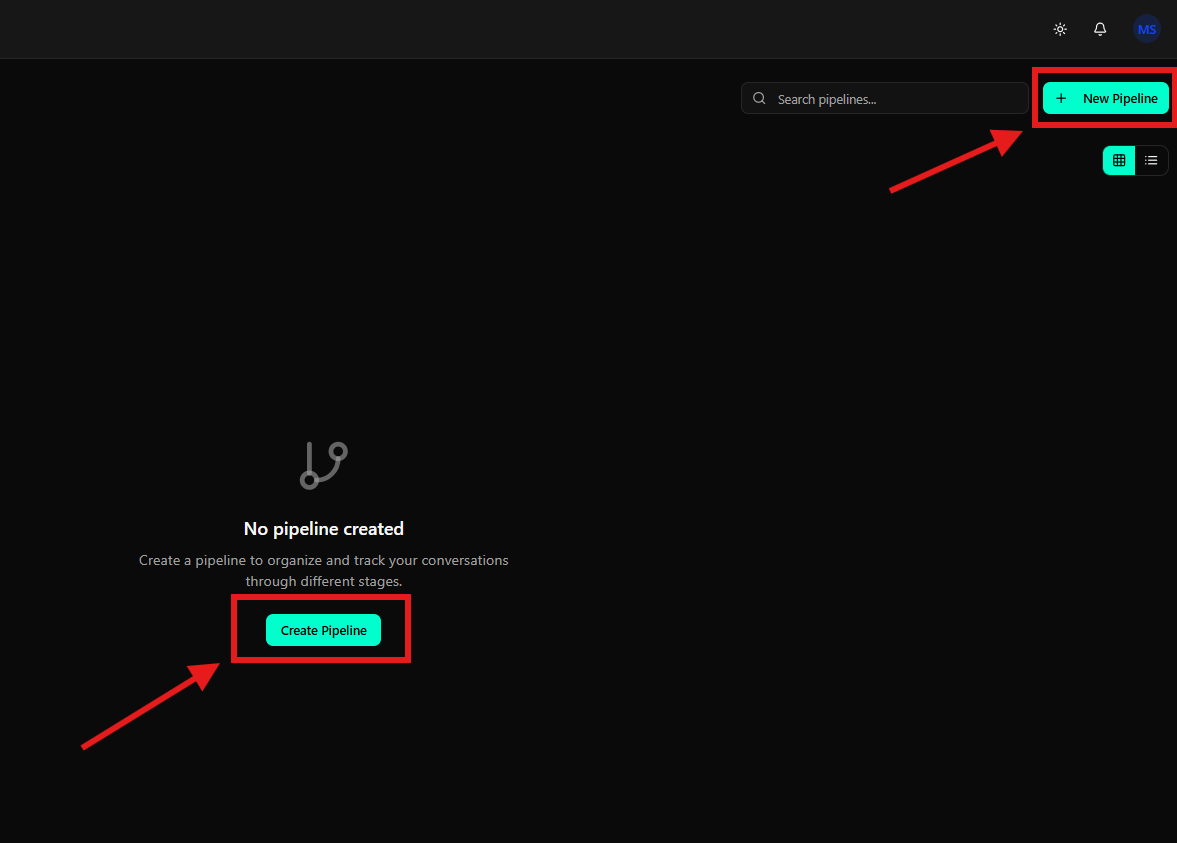
Detailed pipeline, stage, and automation configuration is covered in the Managing Pipelines guide.
Final Considerations
The Pipelines Overview provides a clear view of existing flows, allowing:- View available pipelines
- Quickly search pipelines
- Identify the entry point for creating new flows