

Starting a New Channel
To start creating a Telegram channel, use the highlighted action.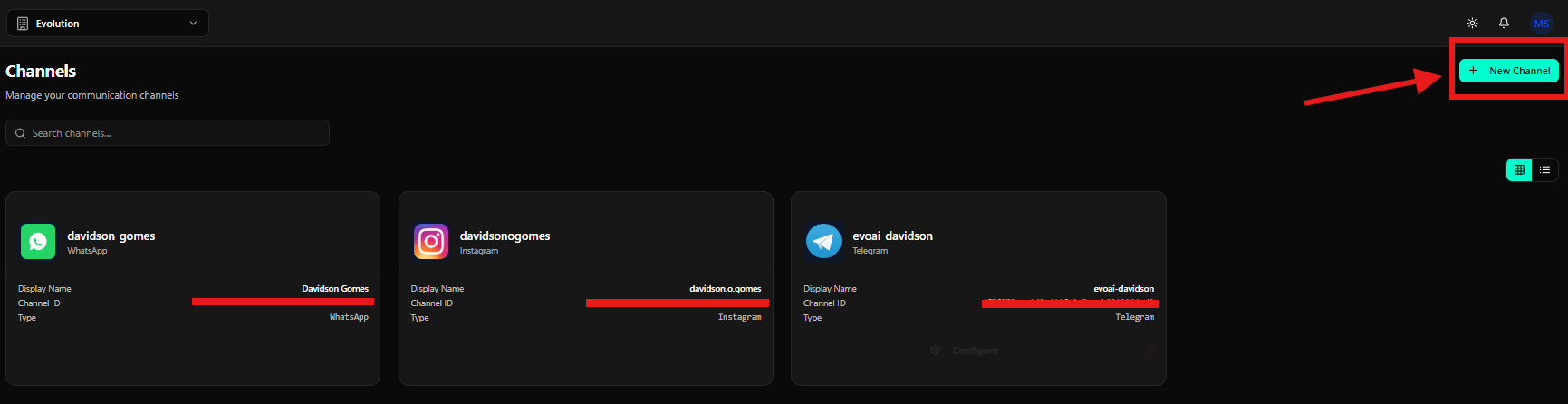
Selecting Telegram
On the Select a channel type screen, click the Telegram card.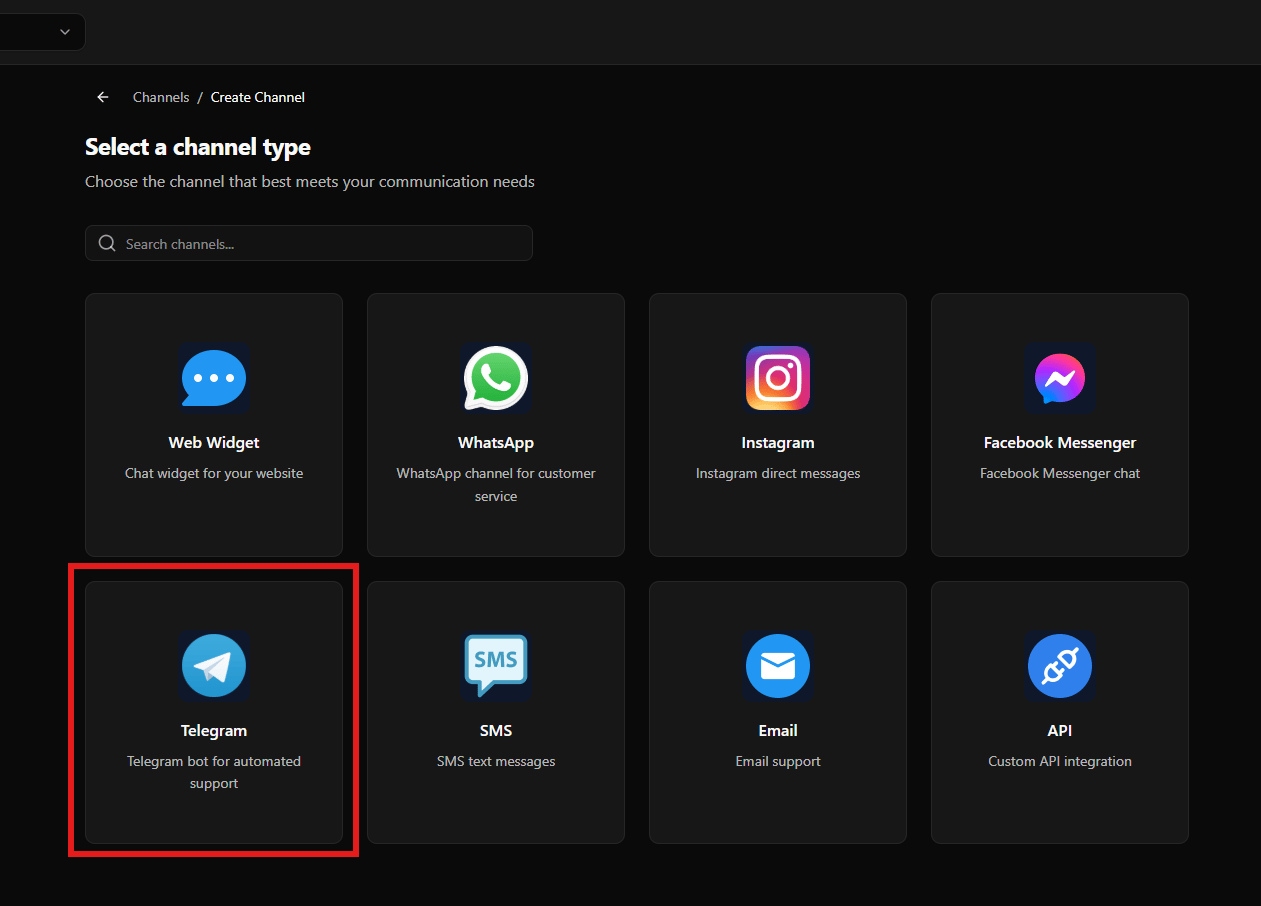
Configuring the Telegram Channel
After selecting Telegram, the configuration screen is displayed.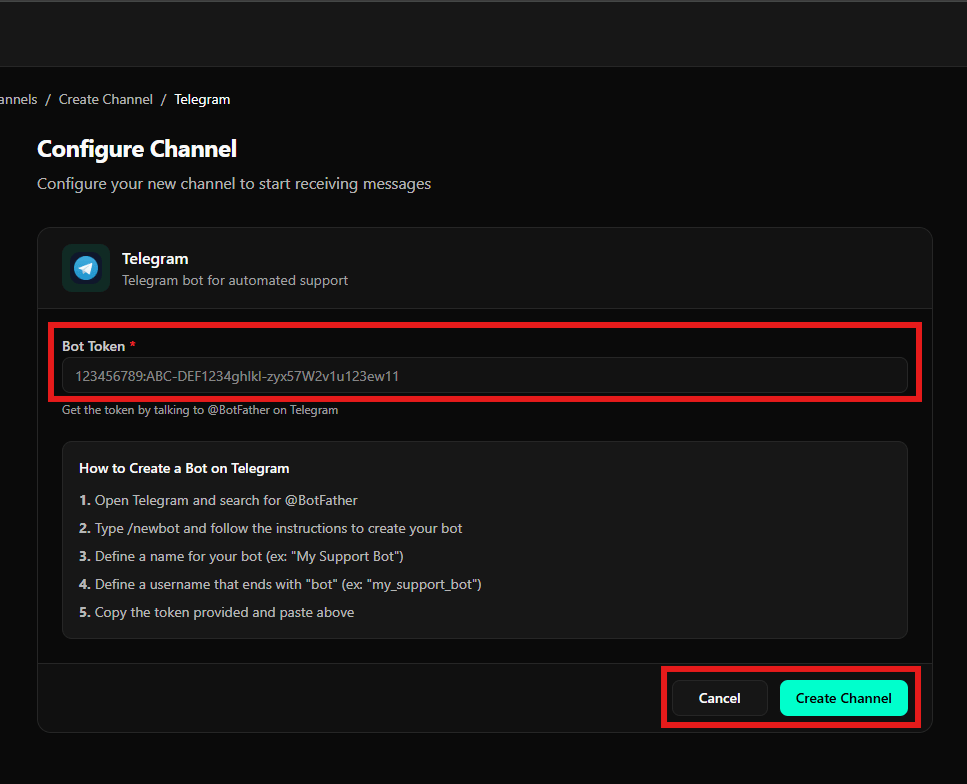
Bot Token Field
- Bot Token
- Field where the Telegram bot token should be pasted
- Help text explaining that the token is obtained from @BotFather on Telegram
Instructions Panel
A step-by-step guide explaining how to create a Telegram bot:- Open Telegram and search for @BotFather
- Type /newbot
- Define a name for the bot
- Define a username ending with bot
- Copy the generated token
Action Buttons
- Cancel
- Discards the configuration
- Create Channel
- Saves the Telegram channel and activates it
Final Considerations
- The Telegram channel requires a valid Bot Token
- The token must be generated using @BotFather
- Once created, the bot is available in Evo CRM