

Knowledge Base (MemPalace)
The Knowledge Base page provides semantic search over your code, documentation, and project knowledge. It is powered by MemPalace, an open-source local memory system that indexes content into a searchable vector database.GitHub: github.com/milla-jovovich/mempalace — MIT License, 27k+ starsEverything runs locally — no external APIs, no data leaves your machine.
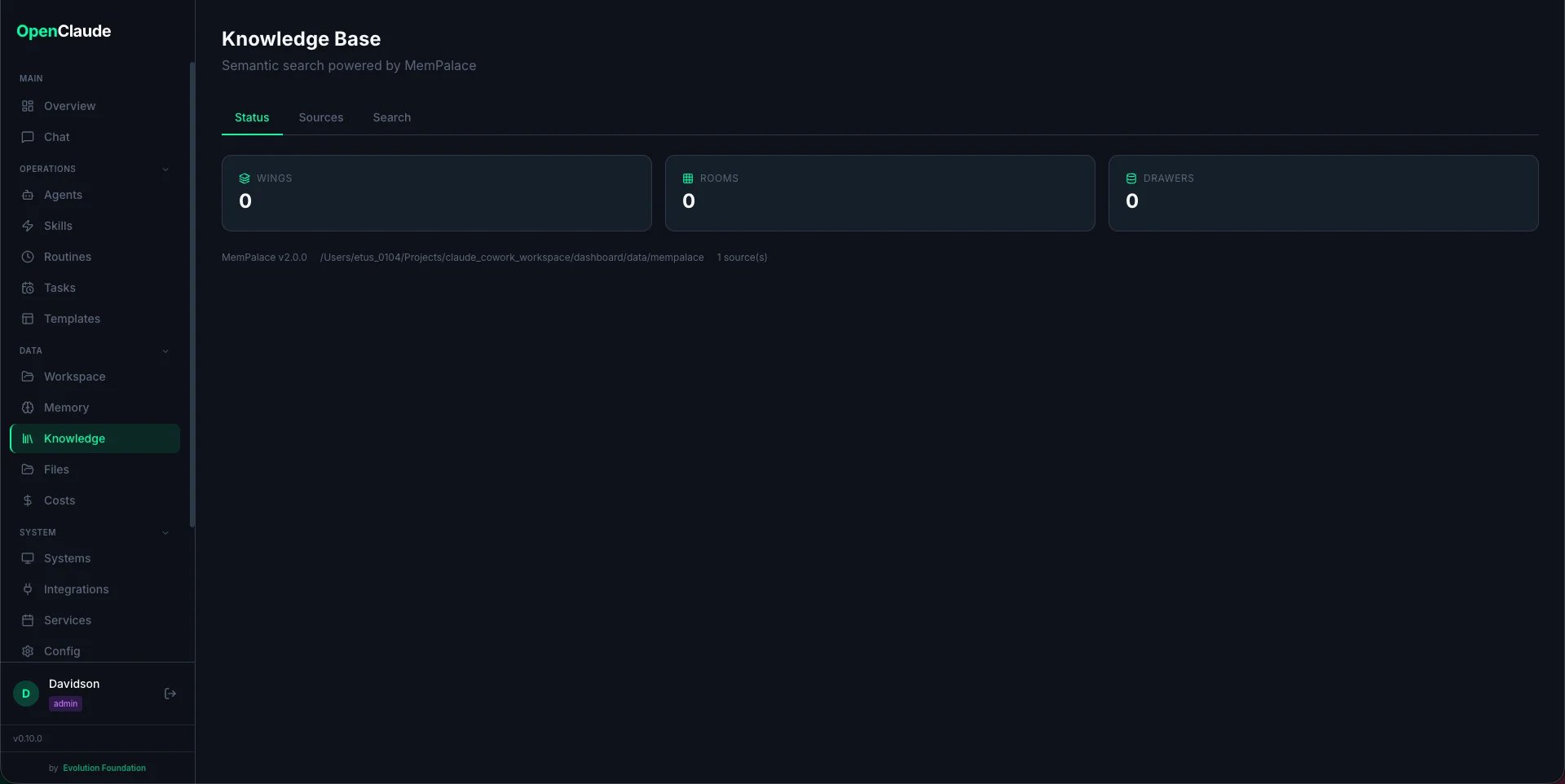
Enabling MemPalace
MemPalace is an optional feature. When you first visit the Knowledge Base page, you’ll see an “Enable MemPalace” button.- Go to Dashboard > Knowledge
- Click Install MemPalace
- Wait for the installation to complete (installs via pip)
mempalace package and its dependency chromadb (the vector database engine).
How It Works
MemPalace organizes knowledge using a “memory palace” metaphor:
When you index a directory, MemPalace:
- Scans all files (respecting
.gitignore) - Splits content into chunks of ~800 characters
- Classifies each chunk into a room based on content and file path
- Stores vector embeddings in ChromaDB for semantic search
dashboard/data/mempalace/.
Adding Sources
Sources are directories you want to index — project code, documentation folders, etc.- Go to the Sources tab
- Enter the directory path (absolute path on your machine)
- Optionally set a label (display name) and wing override (custom project name)
- Click Add
Indexing (Mining)
After adding sources, click the Play button next to a source to index it, or use Index All to process everything. Mining runs in the background — you can navigate away and check progress on the Status tab. The status indicator shows when mining is active.Searching
The Search tab provides semantic search across all indexed content:- Type your query in natural language (e.g., “how does authentication work”)
- Optionally filter by wing (project) or room (category)
- Press Enter or click Search
- The matched content snippet
- Source file path
- Similarity score (higher = more relevant)
- Wing and room tags