

Esta página todavía está en inglés. La traducción al español está en progreso.
Users and Roles
EvoNexus uses a role-based access control (RBAC) system. Every user has exactly one role, and each role defines what resources the user can access and what actions they can perform.Default Roles
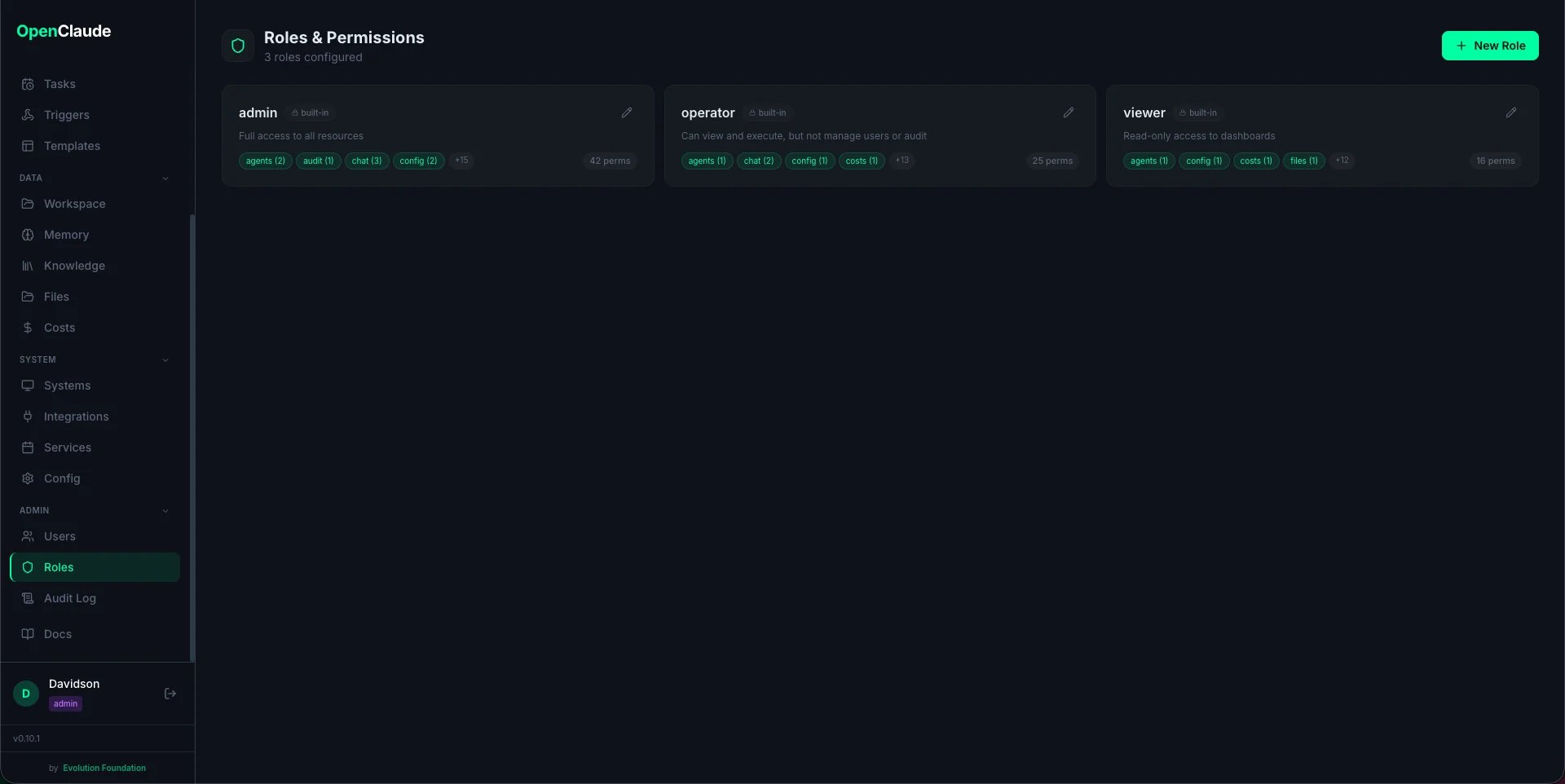
Three built-in roles ship with every installation:
Built-in roles cannot be deleted, but you can create custom roles with any permission combination.
Permission Comparison
Creating Users
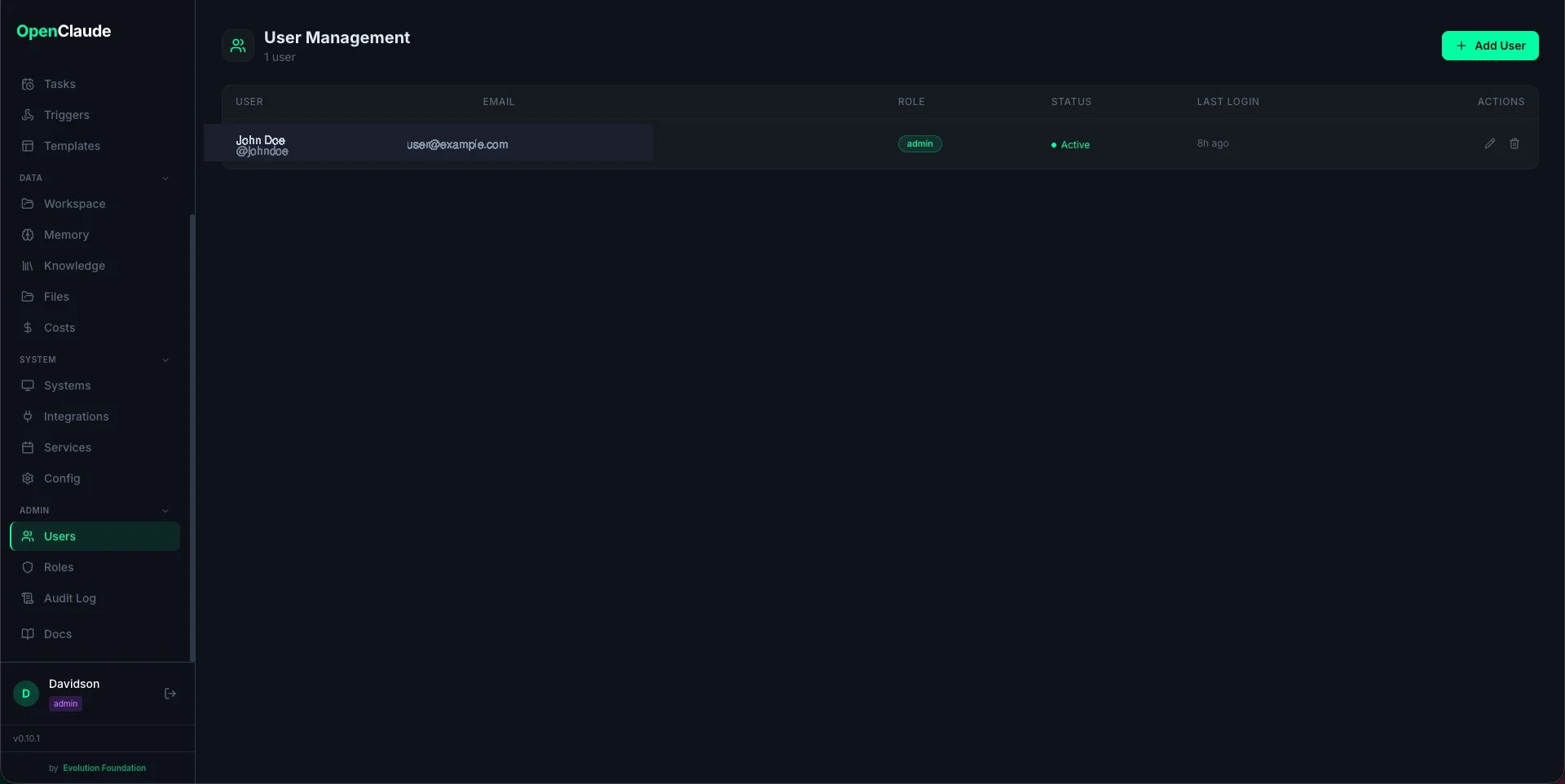
Via the Dashboard
- Navigate to Users in the sidebar (requires
users:managepermission) - Click Add User
- Fill in:
- Username (unique, used for login)
- Email (optional)
- Display name (shown in the UI)
- Password (minimum 8 characters, hashed with bcrypt)
- Role (select from available roles)
- Click Create
First User (Setup Wizard)
The very first user is created during the setup wizard when the dashboard starts with an empty database. This user is always assigned theadmin role.
Custom Roles
Creating a Custom Role
- Go to Roles in the sidebar
- Click Create Role
- Enter a name and description
- Use the permission matrix to toggle actions per resource
- Click Save
Permission Matrix
Each cell in the matrix is a resource + action combination: Resources (16 total):chat, services, systems, integrations, reports, agents, memory, skills, costs, config, users, audit, files, templates, routines, scheduler
Actions (3 types):
- view — read data, see pages
- execute — run routines, use chat, start/stop services
- manage — create, update, delete (users, config, memory files)
audit only supports view, and templates only supports view.
Example: “Finance Viewer” Role
A role that can only see financial reports and costs:Example: “Community Manager” Role
A role that can run community routines and view reports:How Permissions Are Enforced
Every API endpoint checks permissions using thehas_permission(role, resource, action) function. If the current user’s role does not include the required permission, the API returns 403 Forbidden.
The frontend also uses permissions to conditionally render sidebar items and action buttons — if you lack users:view, the Users page does not appear in the navigation.
Audit Trail
All user-related actions are logged to the audit trail:- User creation and updates
- Role changes
- Login attempts (successful and failed)
- Config changes (including
.envedits)
audit:view).